To-Do List System
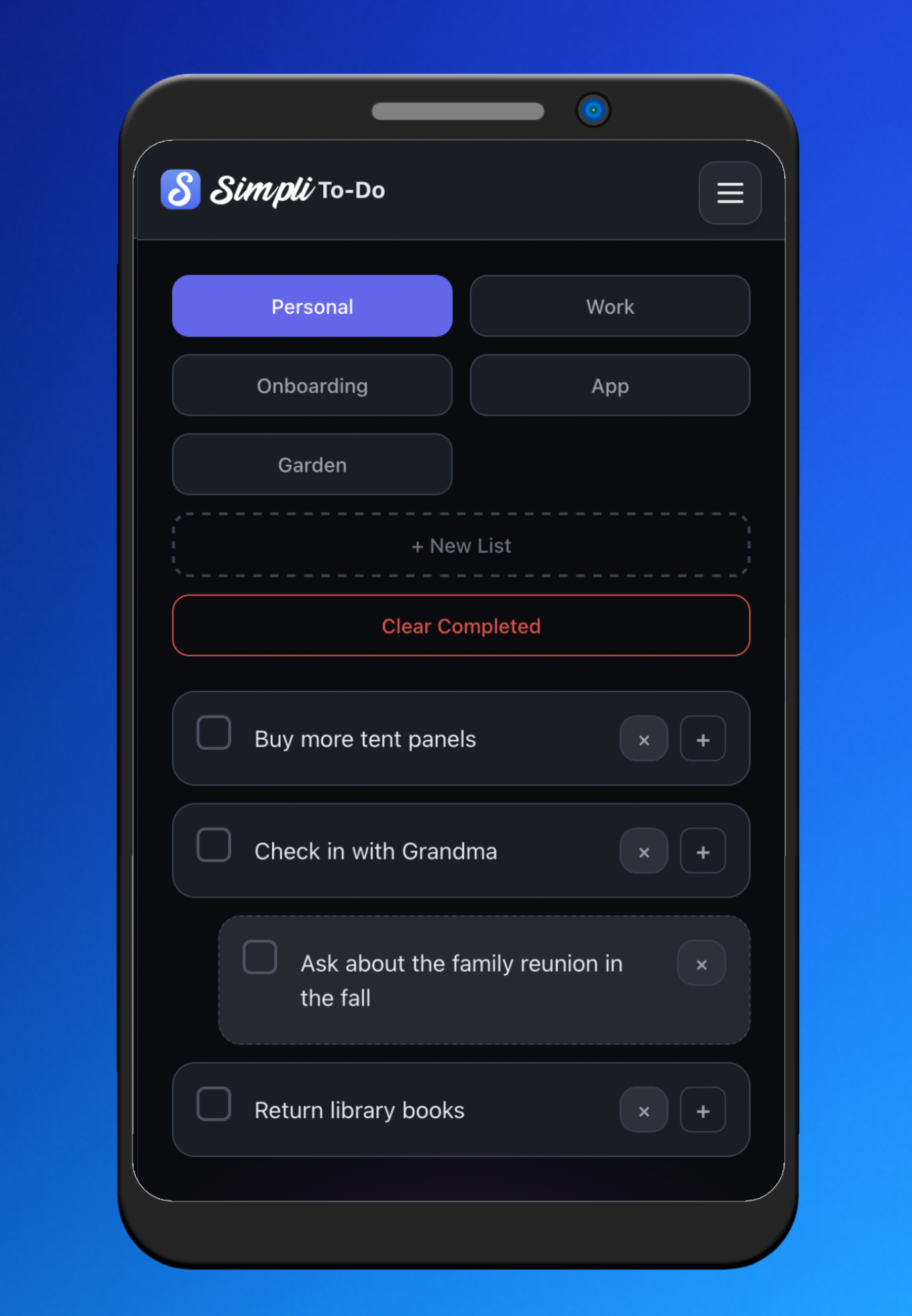
Fast task capture with categories, priorities, due dates, and nested subtasks. Visual completion states keep momentum high.
- Create, edit, complete, delete
- Lists & categories
- Priorities & due dates
- Progress indicators
 Tools
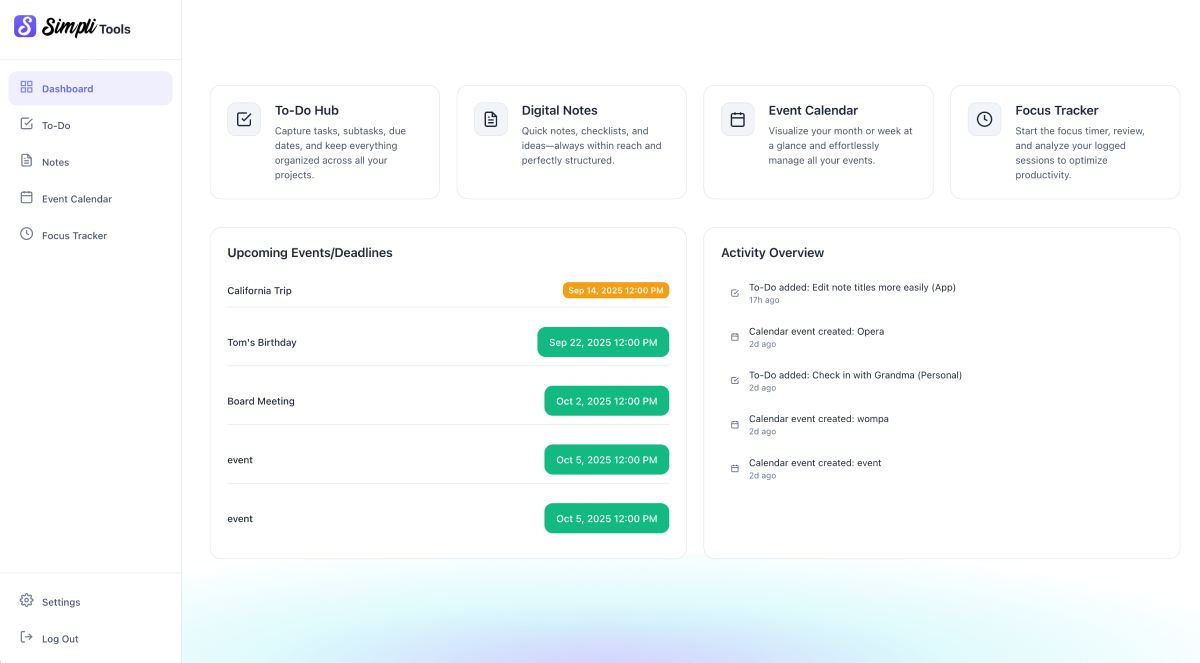
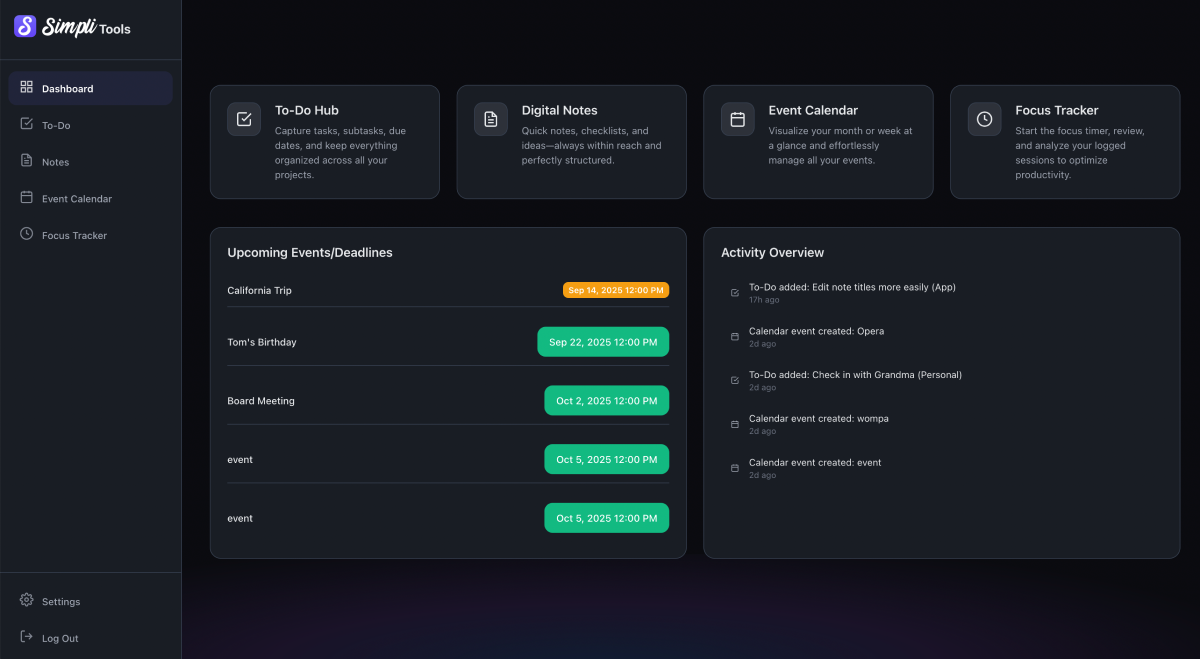
ToolsSimpliTools brings your To-Do, Notes, Calendar, and Time Tracking into a single, clean interface with real-time sync and smart summary notifications.
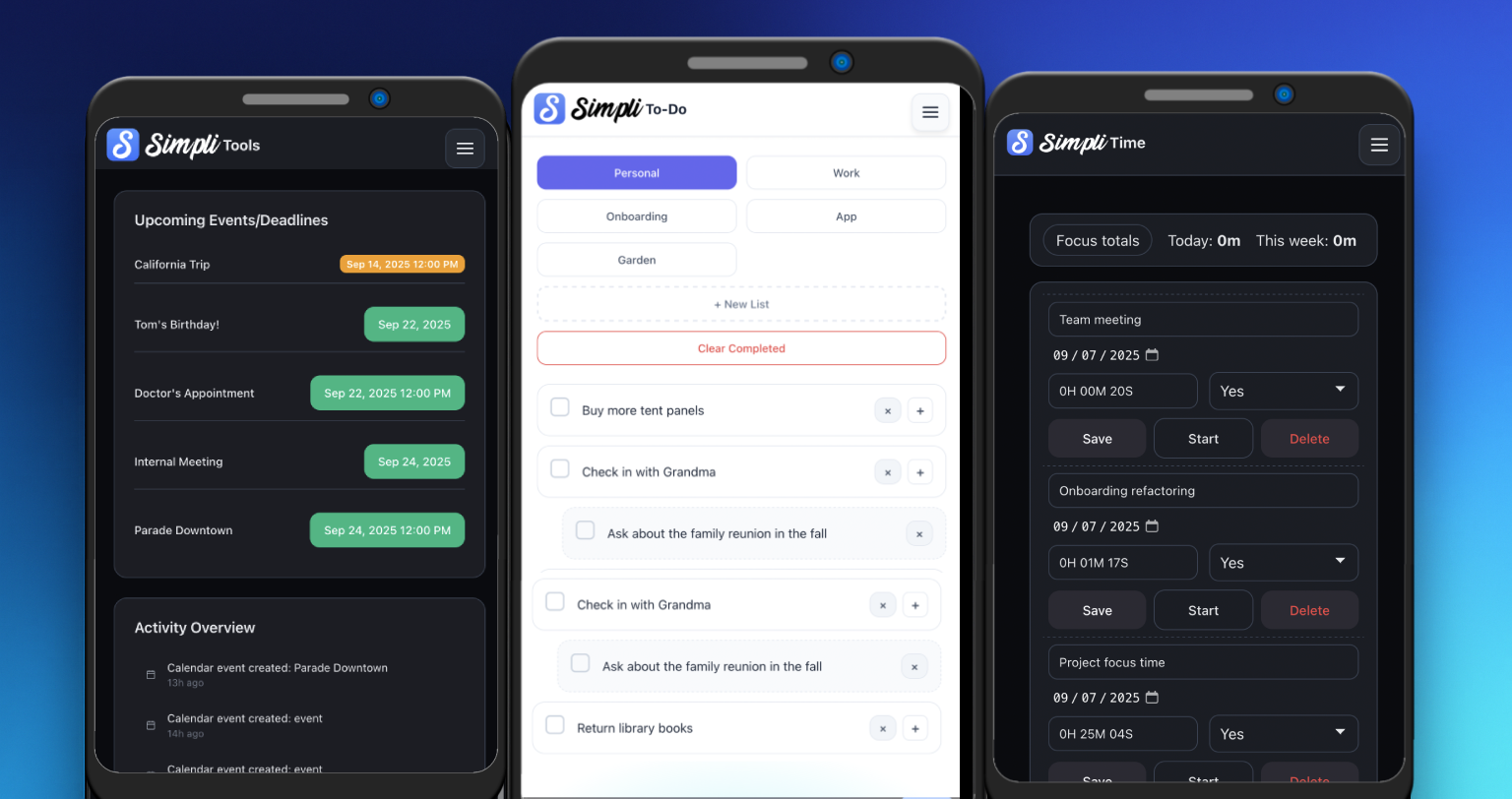
Create tasks, set due dates, add priorities, and track progress across lists with visual completion states.
Rich-text notes with folders, instant search, and auto-save—because inspiration shouldn’t wait for a save button.
Clean monthly view, all-day and timed events, quick editing, and navigation. Timed sessions can appear automatically.
Labelled timers, start/stop/pause, and editable history with daily/weekly totals. Optionally sync sessions to calendar.
Four focused tools designed to feel like one. Real-time updates, unified notifications, and a design that stays out of your way.
Fast task capture with categories, priorities, due dates, and nested subtasks. Visual completion states keep momentum high.
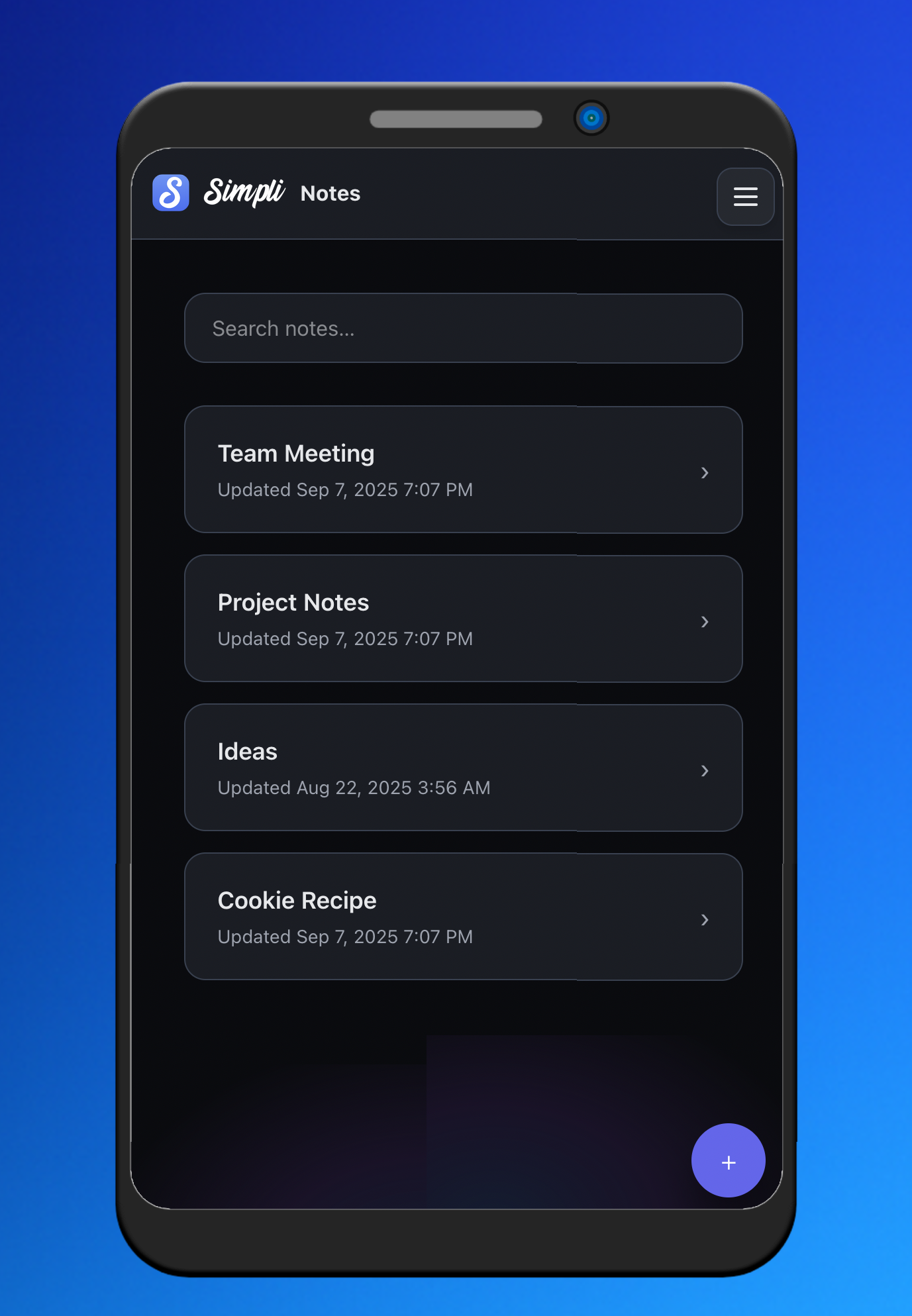
Rich-text editor, folders & categories, instant search, and auto-save—perfect for meeting notes and quick ideas.
A clear monthly grid with event create/edit, all-day & timed events, and smooth month-to-month navigation.


Start a focus session with one click. Track live time, pause/resume, then review and edit a detailed history with totals.
PHP backend with MySQL • RESTful API • Real-time JS interactions
PWA + offline support • Optimized for mobile • No page reloads
Cron-based summary emails & reminders • Timezone aware
Session management • Account verification • Password reset
SimpliTools is free! We do offer a one-time paid upgrade which includes the removal of ads, export functionality, and Google Calendar Integration.
Yes! Your choice is saved and applied automatically across sessions.
With a one-time paid upgrade, you can connect your calendar with a Google Calendar and sync events back-and-forth in real time!
When you connect Google Calendar, SimpliTools requests access only to your calendar events. We use this access to:
SimpliTools does not access your emails, contacts, files, or any other Google data. We do not sell or share your Google data with third parties. You can disconnect Google Calendar at any time in your account settings.
For full details, please review our Privacy Policy.
You can submit those details via the contact form here: https://simplitools.app/contact/
The SimpliTools suite is deliberately simple in its design and function, but there are several small features that are worth knowing and…
Time tracking isn’t just for billing or reporting. When used simply, it can be one of the most effective ways to improve…
Keeping track of everything you need to do can quickly become overwhelming if all tasks live in one long list. Personal errands,…
The SimpliTools app is free for everyone to use - but there are a few notable features available to those who wish…